


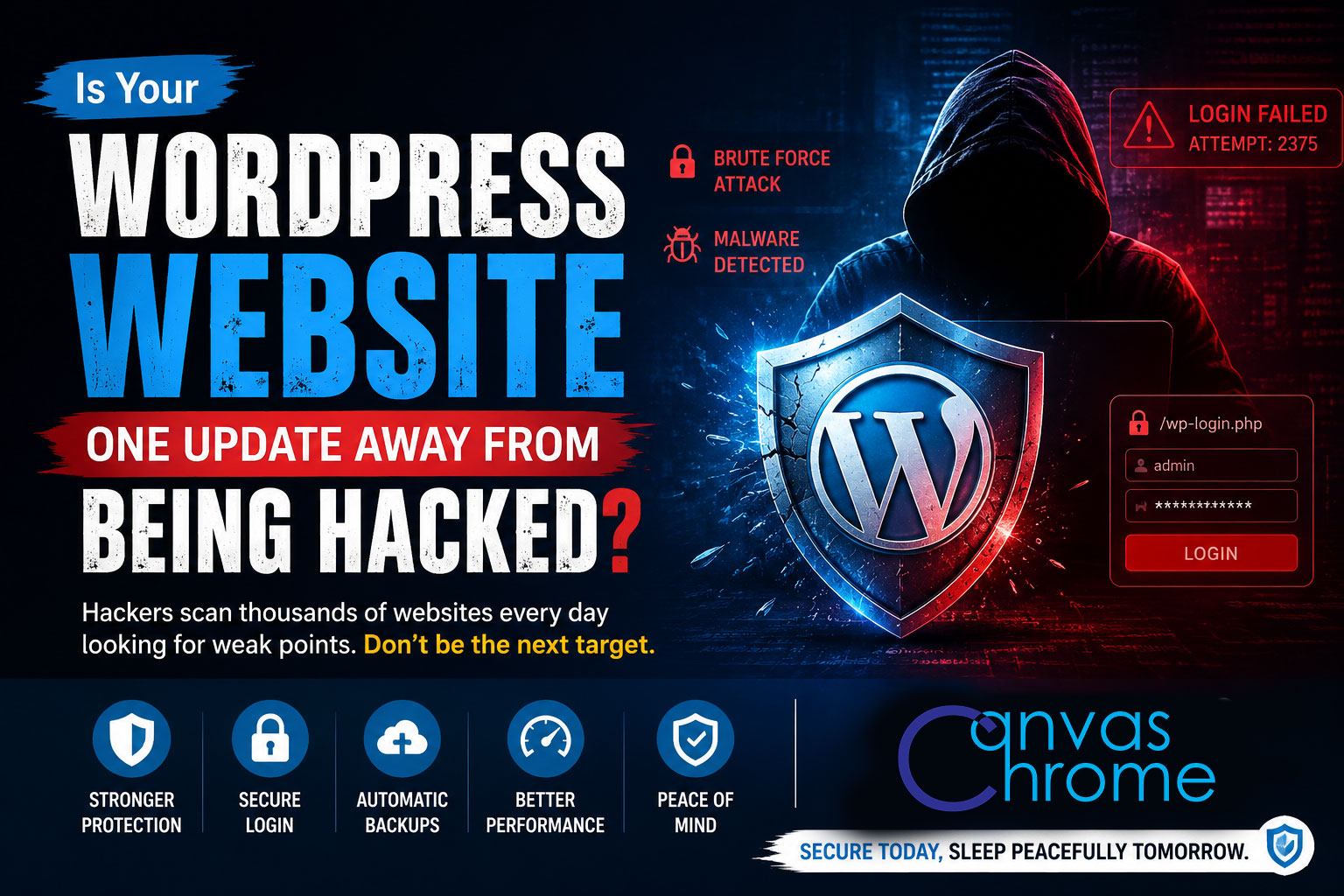
Every day, millions of automated bots scan websites across the internet looking for one thing—an easy way in.
They don't care whether your business is small or large. They don't know your company. They simply search for websites with outdated software, weak passwords, or vulnerable plugins.
If your WordPress website hasn't been properly maintained, it could become their next target.
WordPress powers more than 40% of all websites worldwide. Because it is the most popular content management system, it naturally becomes the biggest target for cybercriminals.
Think of it this way:
If you wanted to break into houses, would you target the neighborhood with 10 homes or the one with 10 million?
Attackers follow the numbers.
That doesn't mean WordPress is insecure—it means WordPress is everywhere.
Contrary to popular belief, hackers rarely sit behind a keyboard trying to break into your website manually.
Instead, automated software runs 24/7 scanning thousands of websites every minute.
These bots look for:
Weak administrator passwords
Outdated WordPress versions
Vulnerable plugins
Old themes with known security flaws
Exposed backup files
Misconfigured servers
Public login pages
XML-RPC abuse
Insecure file permissions
If the software finds a weakness, it attempts to exploit it automatically.
Your website may already be vulnerable if:
You haven't updated WordPress in months.
You use plugins that are no longer maintained.
You have installed dozens of unnecessary plugins.
Your administrator password is simple.
Two-factor authentication is not enabled.
You have never performed a security audit.
You don't keep regular backups.
You have never installed a firewall.
Many business owners assume hackers only want customer data.
In reality, attackers often use hacked websites for completely different purposes.
Your website can be used to:
Redirect visitors to scam websites
Spread malware
Send spam emails
Display unwanted advertisements
Damage your Google search rankings
Steal customer information
Inject malicious code
Blacklist your domain
Sometimes, business owners don't even realize they've been hacked until customers begin reporting unusual behavior.
One of the biggest mistakes businesses make is believing:
"My website is too small to be hacked."
Automated bots don't choose businesses.
They scan everything.
Whether you receive 20 visitors a day or 20,000, if a vulnerability exists, automated software will eventually find it.
A properly maintained WordPress website is extremely secure.
Most successful attacks can be prevented with a few essential security practices.
These include:
Keeping WordPress updated
Updating plugins and themes regularly
Removing unused plugins
Using strong passwords
Enabling Two-Factor Authentication (2FA)
Installing a Web Application Firewall (WAF)
Performing automatic daily backups
Monitoring file changes
Using malware scanning
Limiting login attempts
Configuring proper server security
Security is not a one-time task. It is an ongoing process.
At Canvas Chrome Designs, we don't just build WordPress websites—we secure them.
Our WordPress Security Service includes:
✓ Complete Security Audit
✓ Malware Detection & Cleanup
✓ Plugin & Theme Vulnerability Review
✓ Firewall Configuration
✓ Login Protection & Two-Factor Authentication
✓ Automatic Backup Setup
✓ Performance & Security Optimization
✓ Server-Level Hardening
✓ Ongoing Maintenance & Monitoring
Our goal is simple:
Keep your website fast, secure, and available so you can focus on running your business.
WordPress itself is not the problem.
Neglected WordPress websites are.
Regular updates, proper security configuration, and continuous monitoring dramatically reduce the risk of compromise.
If your website hasn't had a professional security audit recently, now is the right time to schedule one before attackers find a weakness.
Contact Canvas Chrome Designs for a complete security assessment, malware scan, and hardening service. We'll identify vulnerabilities, secure your website, and help keep it protected against modern cyber threats.
No comments yet. Be the first to comment!






Leave A Reply